

Industry · 12 min read
How to Prepare for a Website Design Consultation
A first website design consultation goes much further when you arrive with a little homework. Here is what I ask clients to think about before we talk, so the conversation turns into a clear plan and a fair price.

Key takeaways
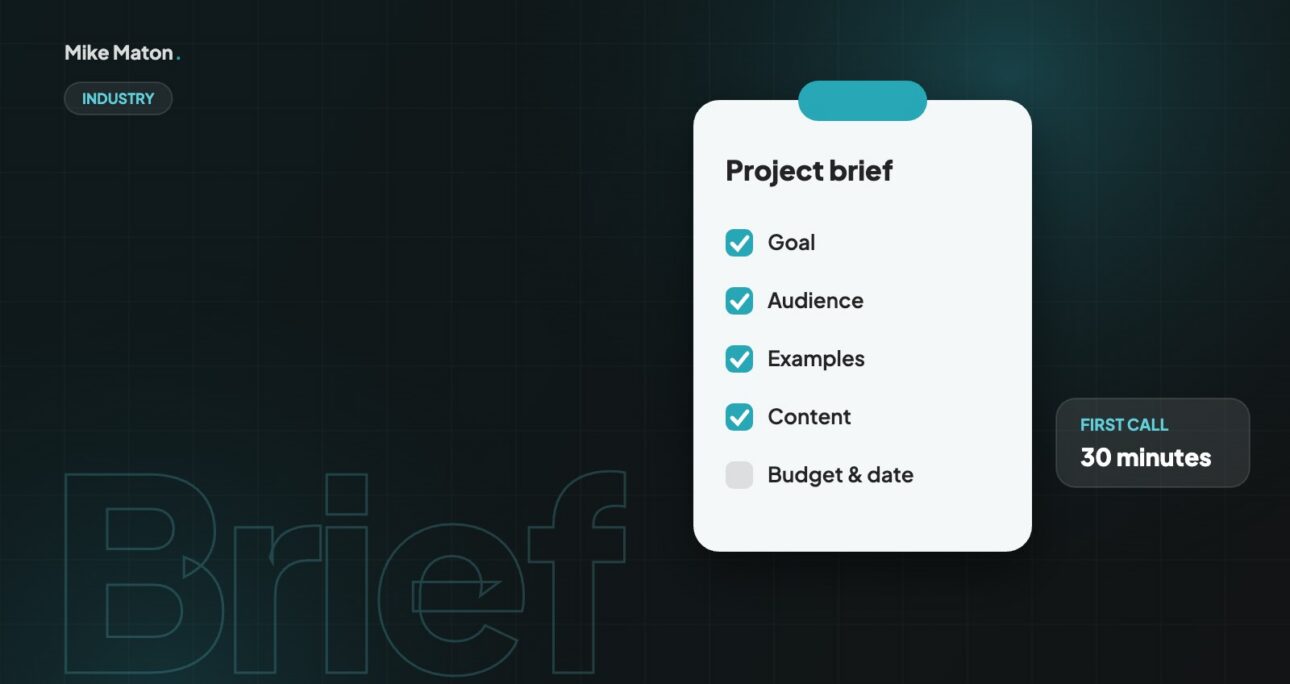
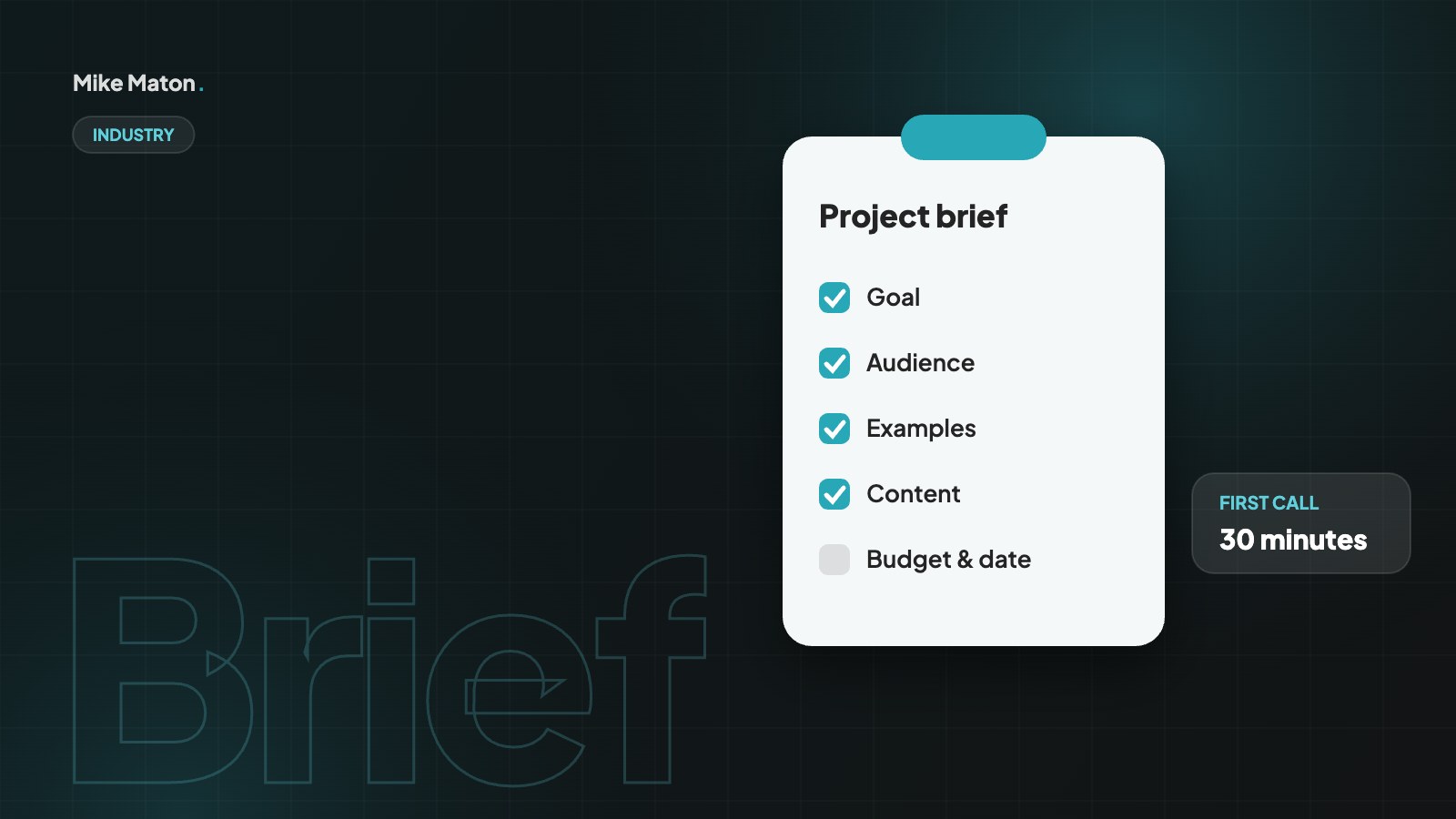
- Know your goal: what should the website make people do?
- Collect examples you like and dislike, and say why.
- Bring your content, budget range and deadline to the website design consultation, even if they are rough.
01Give your website design consultation one goal
Every good website starts with one main goal. More enquiries, more online sales, more bookings or a stronger brand for recruiting. Write it down in one sentence. It will guide every design decision that follows.
A good goal is specific and measurable. “A modern website” is a wish, not a goal. “Twice as many quote requests from small offices in Tallinn” or “sell our products online in Estonia and Finland” gives the whole project a direction. In a website design consultation, the goal is the first thing I ask about, because it decides the structure, the content and even the technology.
It also helps to think about what success looks like a year after launch. Should the site bring in leads by itself, support a sales team, help with recruiting or reduce the number of support calls? Each of those leads to a different website. If you have several goals, rank them. The website design consultation can then focus on the one that matters most and plan the others as later steps.
02Know your audience
Who are the people you want to reach, and what do they need to know before they contact you or buy? Think about their questions, their worries and the words they use. A short list is enough.
Describe your visitors as real people rather than as a broad market. Who are they, what job do they have, what device are they likely to use and what made them start looking for a business like yours? Two or three short descriptions of typical customers are enough to make the conversation much more concrete.
The questions your sales team or front desk hear most often are gold for a website design consultation. Write down the ten questions customers ask before they buy. A good website answers those questions clearly, in the order people ask them, and that list often becomes the backbone of the page structure. It also reveals the words your customers use, which are usually the words they type into Google.
If you serve different groups, such as private customers and businesses, or buyers in different countries, mention it early. Different audiences may need separate landing pages, different languages or different calls to action, and that changes the scope of the project considerably.
The best briefs are short: one goal, one audience and a few honest examples.
Mike Maton
03Collect examples
Gather three to five websites you like and a couple you do not. They do not need to be in your industry. What matters is why you like them: the layout, the photos, the tone of voice, how easy they are to use.
When you collect examples, note what you like about each one in a sentence or two. “Clean layout and big photos”, “I can find the price in five seconds” or “the menu is simple” is far more useful than a long list of links. The same goes for sites you dislike: knowing what to avoid saves time in the design phase.
Look at your competitors too, but do not copy them. Their websites show what your customers already see and expect, and where there is room to stand out. In a website design consultation, I often compare two or three competitor sites with the client, page by page, to agree on where the new site should match common patterns and where it should be clearly different.
Screenshots are often more useful than links, because websites change. A simple folder or document with labelled screenshots gives everyone in the meeting the same reference, and it stays useful long after the website design consultation is over.
04Audit what you already have
- Your current website and its analytics, if you have them.
- Logo files, brand colours and fonts.
- Photos, videos and any text you want to keep.
- Domain, hosting and email details, so nothing breaks during the move.
If you already have a website, gather the numbers before the meeting. Even basic analytics show which pages people visit, how they find the site and which devices they use. That data helps decide what to keep, what to rewrite and what to remove, and it gives you a baseline to measure the new site against.
Content is the part that most often delays a project. Think about who will write the texts, who will supply photos and who will approve them. If you have product data, prices or team details in spreadsheets, bring them along. The earlier content is discussed in the website design consultation, the smoother the build and the launch will be.
05Be open about budget and timing
A budget range is not a trap. It helps me suggest the right solution, whether that is a focused landing page, a full company website or an online shop. The same goes for deadlines: a launch date tied to an event or campaign changes how we plan the work.
You do not need everything ready. A rough idea of each point is enough for a productive website design consultation.
Timing is just as important as budget. If you need the site before a trade fair, a product launch or the start of a season, say so at the start. A fixed date may mean launching with a smaller first version and adding features later, which is often a smart way to get results sooner and learn from real visitors before investing more.
Be honest about ongoing costs as well. Hosting, domain names, software licences, maintenance and marketing all continue after launch. A good website design consultation covers the full cost of owning the site for a year or two, not only the initial build, so there are no surprises later.
06Bring your questions
In the website design consultation, ask how the project will run, who writes the content, how you will update the site yourself and what support looks like after launch. A good partner will be happy to explain.
Some questions are worth asking any web partner. Who owns the website and the content after launch? Where will it be hosted and who has access? How are backups and security updates handled? What happens if you want to change partner in the future? Clear answers show that the partner is thinking about your long-term interests, not only about the project.
Ask to see similar work and, if possible, talk to a previous client. Ask how feedback is collected during the project and how many rounds of changes are included. The aim is not to catch anyone out, but to make sure you both have the same picture of how the project will run before anything is signed.
Finally, ask about the first few months after launch. Most websites improve a lot once real visitors start using them, so it helps to know how changes, small fixes and new pages are handled, and how quickly you can expect a reply when something needs attention.
07What happens in a website design consultation
Every partner runs their meetings a little differently, but most website design consultations follow a similar path. Knowing it in advance helps you prepare and makes the time much more productive for both sides.
- Introductions and a short overview of your business and goals.
- A look at your current website, analytics and competitors.
- Discussion of your audience, the pages you need and the content you have.
- Technical needs, such as booking, payments, languages or integrations.
- Budget, timeline and how the project would be organised.
- Next steps, usually a written proposal or a short follow-up call.
A first meeting usually takes 45 minutes to an hour. Online calls work just as well as meeting in person, and sharing a screen makes it easy to look at examples together. I take notes throughout and send a short summary afterwards, so you can check that nothing has been misunderstood.
The outcome of a good website design consultation is clarity, not a sales pitch. You should leave knowing what kind of website you need, roughly what it will cost, how long it will take and what you need to prepare. If the right answer is a smaller project, a landing page or simply improving the site you already have, a good partner will tell you.
08Questions I ask in every website design consultation
These are the questions I ask in almost every first meeting. Thinking about them in advance is the best preparation you can do, and even rough answers are enough to get started.
- What should the website make people do?
- Who are your most valuable customers, and how do they find you today?
- What do customers ask before they buy or get in touch?
- Which pages on your current site work well, and which do not?
- What makes your business different from the competitors your customers compare you with?
- Which languages and markets does the site need to cover?
- Who will update the site after launch, and how often?
- Is there a date the site must be ready for?
Your answers shape the proposal. A clear goal and audience lead to a focused site map. A list of customer questions becomes the content plan. Information about updates and languages decides the technology, for example whether a WordPress site with a multilingual plugin is the right fit.
09Common mistakes before a website design consultation
A few habits make first meetings less useful than they could be. They are all easy to avoid with a little preparation.
- Starting with colours and logos instead of goals and customers.
- Bringing a long list of features without saying why each one is needed.
- Expecting a fixed price before the scope is clear.
- Leaving content until the end, when it is most likely to delay the launch.
- Inviting too many decision makers, or none at all.
The last point matters more than it seems. If the person who will approve the project is not in the website design consultation, decisions get delayed and ideas get lost in translation. Invite the people who will make the final decision and the person who will work with the site day to day, and keep the group small.
10From consultation to launch
Once the website design consultation is done and the proposal is agreed, the project moves into a clear sequence of steps. Knowing them helps you plan your own time, because each step needs some input or approval from your side.
The first step is structure. Based on the goal and audience, I prepare a site map and simple page outlines that show which sections each page will have and in what order. This is the cheapest moment to change your mind, so it is worth taking a little time to review it carefully with the people who know your customers best.
Next comes design. I usually design the home page and one key inner page first, on desktop and mobile, so you can see the direction before every page is designed. Once those are approved, the rest of the pages follow the same system, which keeps the project fast and the look consistent.
Then the site is built, content is added and everything is tested on real devices. You get access to a staging version to review texts, images and forms before anything goes live. After launch, I set up analytics, submit the sitemap to Google Search Console and check that every page can be found. A short training session shows you how to update the site yourself.
- Site map and page outlines.
- Design of key pages on desktop and mobile.
- Build, content and testing on a staging site.
- Launch, analytics, Search Console and training.
- Support and improvements after launch.
The website design consultation is the foundation for all of this. The clearer the goals, audience and content are at the start, the fewer surprises there are along the way, and the sooner the new site starts doing its job.
11Website design consultation questions
Is a website design consultation free?
Many web designers, including me, offer a free first consultation to understand your project and see whether we are a good fit. More detailed planning, such as a full site map, content plan or technical specification, is usually part of a paid discovery phase or the project itself.
How long does a website design consultation take?
A first conversation usually takes 45 to 60 minutes. Larger projects may need a second session to go through technical details, integrations or content with the wider team.
What should I bring to a website design consultation?
Your goal, a short description of your customers, examples of websites you like and dislike, access to your current analytics if you have them, and a rough budget and deadline. Logo files and brand guidelines are useful too.
Do I need to know which technology I want?
No. That is part of what the consultation is for. Tell me what the site needs to do and who will update it, and I will recommend the right platform, whether that is WordPress, WooCommerce for an online shop or something else.
What happens after the consultation?
You receive a written summary and, if you want to go ahead, a proposal with scope, timeline and price. There is no obligation. Many clients use the summary to compare options or discuss the project internally before deciding.
Checklist
Your consultation checklist
- 1One-sentence goal
- 2Who the site is for
- 33 to 5 example websites
- 4Logo, photos and content
- 5Budget range and deadline
Keep reading
More from the blog.
Your website
Want a site that gets this right?
Tell me what you are building. I will come back with ideas, a plan and a clear price.