
Key takeaways
- Images are usually the biggest problem, and the easiest to fix.
- Caching, a good host and fewer plugins make WordPress fast.
- Measure with Core Web Vitals and test on a real phone, not only on fast office Wi-Fi.
01Measure website speed first
Before changing anything, I run the key pages through PageSpeed Insights and check the Core Web Vitals. Google looks at three things: how fast the main content appears, how quickly the page reacts to a tap or click, and whether the layout jumps around while it loads.
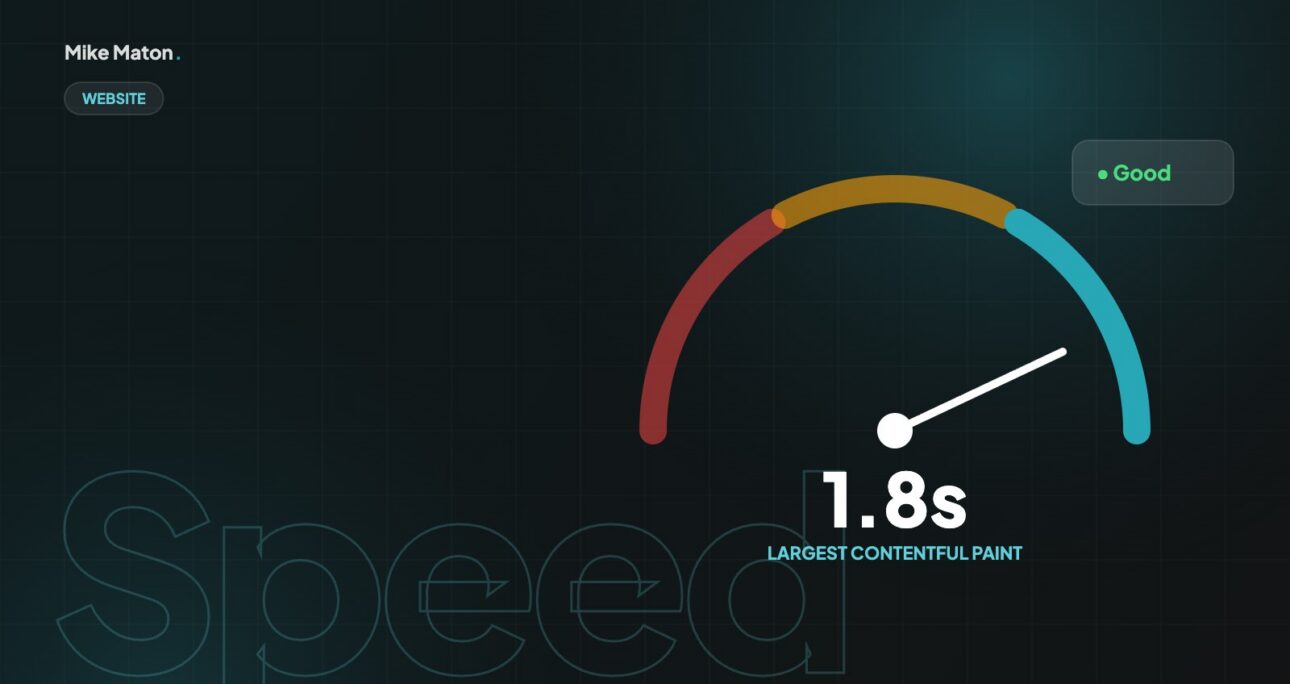
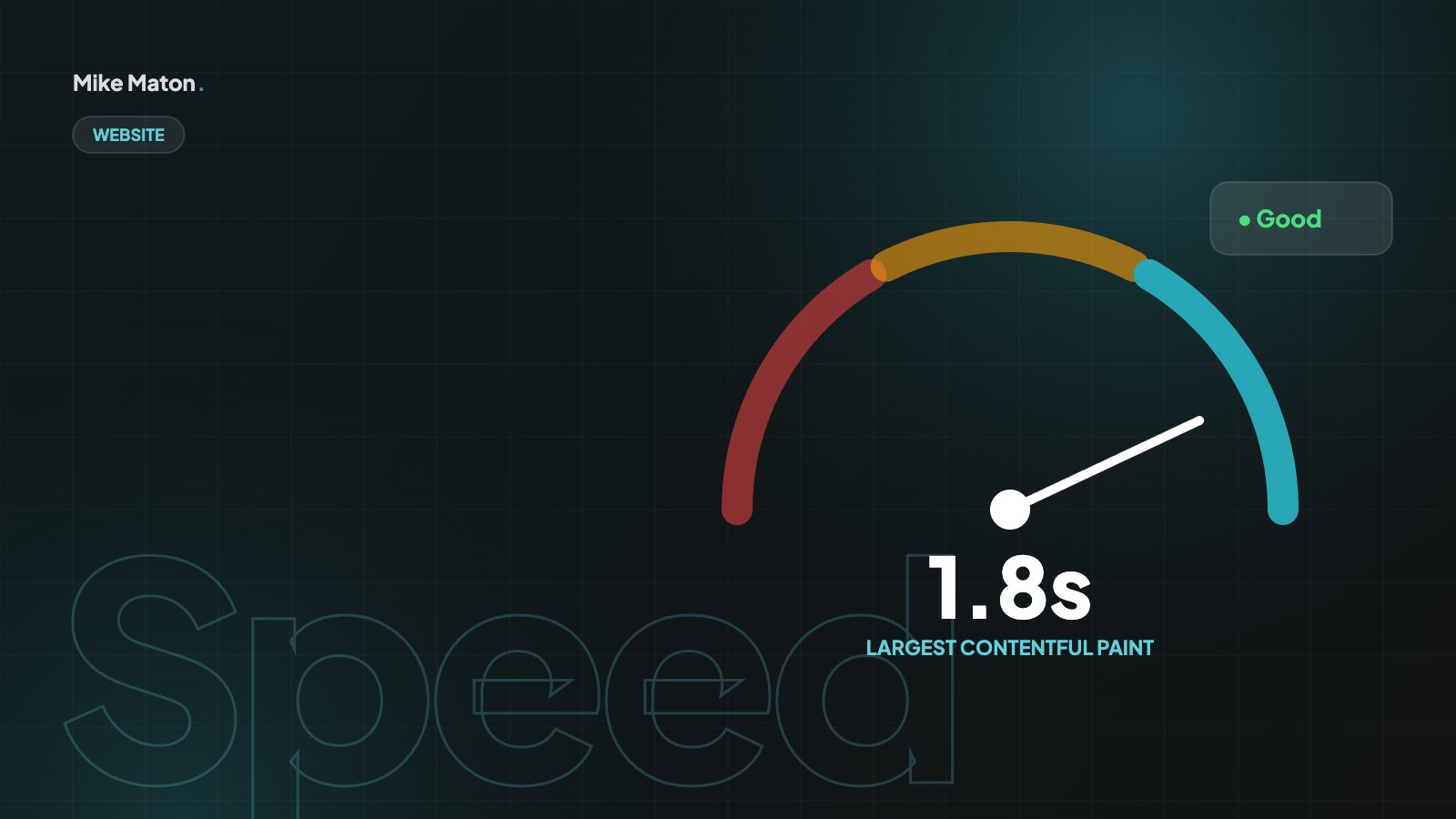
- Largest Contentful Paint: aim for 2.5 seconds or less.
- Interaction to Next Paint: aim for 200 milliseconds or less.
- Cumulative Layout Shift: aim for 0.1 or less.
Lab tests and field data tell different stories, and you need both. PageSpeed Insights shows a lab test run on a simulated mid-range phone, which is great for finding problems. Field data, taken from real Chrome users and shown in Google Search Console under Core Web Vitals, tells you how fast the site is for your actual visitors. Small sites often do not have enough traffic for field data, so lab tests are the main guide.
Test the pages that matter most, not only the home page. Landing pages from ads, key service pages, product pages and the checkout often have different problems. I keep a simple spreadsheet with the website speed results for each key page before and after every change, so it is clear which fixes made the biggest difference.
02Fix the images
Oversized photos are the most common reason for a slow site. I resize images to the size they are shown at, convert them to WebP, compress them and lazy-load everything below the first screen. The hero image is the exception: it should load first.
The right size matters more than the right format. An image displayed at 800 pixels wide does not need to be 4000 pixels wide, yet that is exactly what a phone photo uploaded straight into WordPress usually is. Resizing before upload, or using a plugin that does it automatically, can cut page weight by several megabytes on its own.
Modern formats like WebP and AVIF are usually much smaller than JPEG or PNG at the same visual quality. Serve them where the browser supports them, keep JPEG as a fallback if needed and compress everything. Lazy-load images below the fold, but never the main hero image: that one should load as early as possible, because it is often the element that decides the Largest Contentful Paint and your website speed score.
Do not forget images added through page builders, sliders and backgrounds set in CSS. They are easy to miss because they do not appear in the media library list of a page, yet they are often the heaviest files on the site.
Every second of website speed you gain is a visitor who stays long enough to see what you offer.
Mike Maton
03Use caching and a good host
On WordPress, page caching turns heavy database work into simple files that load in a fraction of the time. I use LiteSpeed Cache on my own site. Good hosting with modern PHP and server-level caching makes a bigger difference than most people expect.
Caching works in layers. Page caching stores finished HTML so the server does not rebuild each page for every visitor. Browser caching tells returning visitors to reuse files they have already downloaded. Object caching speeds up database queries on busy sites. A content delivery network, or CDN, stores copies of your files on servers around the world, so visitors download them from a location close to them.
Hosting sets the ceiling for website speed. Cheap shared hosting with old PHP versions and slow disks will always struggle, however well the site is optimised. A good host offers modern PHP, fast storage, HTTP/2 or HTTP/3, server-level caching and enough resources for your traffic. Moving to better hosting is often the single biggest improvement for an older WordPress site.
After any caching change, test forms, the shopping basket and anything that shows personal information, such as account pages. These should never be served from a shared cache, and a good caching plugin lets you exclude them.
04Cut the extra weight
- Remove plugins you do not need, and check what each one loads on the front end.
- Load fonts carefully: fewer weights, preloaded and with font-display swap.
- Delay third-party scripts like chat widgets and trackers until they are needed.
- Minify and combine CSS and JavaScript where it helps.
Every plugin, font and script adds weight, and the cost is often hidden until you measure it. Page builders, sliders, social feeds, chat widgets and tracking scripts are common culprits. I review each one with a simple question: does it earn its place? If a feature is used on one page, load it only on that page rather than across the whole site.
Fonts deserve special attention. Each weight and style is a separate file. Loading four families in six weights can easily add more than a megabyte. Choose one or two families, load only the weights you use, host them on your own domain where possible and use font-display swap so text appears immediately while the font loads.
05Prevent layout shifts
Always reserve space for images, videos and embeds by setting their size. Load cookie banners and notices so they do not push content down. Nothing feels worse than tapping a button that moves at the last moment.
Layout shift is measured by Cumulative Layout Shift, and it is one of the most irritating problems for visitors. It happens when images, ads, embeds or late-loading fonts push content around after the page first appears. People tap the wrong link, lose their place while reading or abandon a form. Setting width and height on every image and video, and reserving space for anything that loads later, solves most of it.
Interaction to Next Paint measures how quickly the page responds when someone taps, clicks or types. Heavy JavaScript is the usual cause of slow responses. Break long tasks into smaller ones, remove unused scripts and avoid running expensive code when the page first loads. A site that responds instantly feels faster even if its load time stays the same.
06Keep your website speed high
Website speed is not a one-off project. New plugins, images and scripts add up. A quick monthly check of the main pages keeps a fast site fast.
Website speed tends to slip slowly. A new plugin here, a large image there and a new tracking script for a campaign can undo months of work. I recommend a short monthly check of the main pages in PageSpeed Insights and a quick look at the Core Web Vitals report in Search Console, so problems are caught before visitors notice them.
Make speed part of everyday habits. Resize images before uploading, ask whether each new plugin is really needed and test a page after making big changes. Agree a simple performance budget, for example a maximum page weight and a target load time, and check new pages against it before they go live.
07Why website speed matters for your business
Website speed is not a technical vanity metric. It affects how many visitors stay, how many become customers and how easily people find you in the first place. When a page takes several seconds to appear on a phone, many visitors simply go back to the search results and choose another site.
Speed also shapes how people feel about a brand. A fast, stable website feels professional and trustworthy, while a slow one feels neglected, even if the content is excellent. For online shops, every extra second between tapping a product and seeing it, or between adding to the basket and checking out, is a chance for the customer to change their mind.
Google uses page experience signals, including Core Web Vitals, as part of how it ranks pages. Website speed will not beat great content on its own, but when two pages are similarly relevant, the faster one has an advantage. More importantly, a fast site makes every visitor you already have more valuable.
- Faster pages keep more visitors from leaving early.
- Speed improves conversion rates on forms and checkouts.
- Core Web Vitals are part of how Google evaluates page experience.
- A fast site feels more professional and trustworthy.
08Website speed for WordPress sites
WordPress powers a large part of the web, and it can be very fast when it is set up well. Most slow WordPress sites suffer from the same mix of problems: an overloaded theme, too many plugins, unoptimised images and no proper caching.
Start with a lightweight, well-coded theme and only the plugins you need. Use a caching plugin that matches your hosting, such as LiteSpeed Cache on LiteSpeed servers. Keep WordPress, the theme and plugins updated, because updates often include performance improvements as well as security fixes.
- Choose a lightweight theme and avoid stacking page builders.
- Remove inactive plugins and replace heavy ones with lighter options.
- Enable page caching, browser caching and image optimisation.
- Clean up the database: old revisions, spam comments and transients.
- Use a CDN for images and static files if you have visitors abroad.
Page builders deserve a special note. They make editing easy but can add a lot of extra code. Use their performance settings, such as loading CSS only for widgets in use, and avoid nesting many sections and columns when a simpler layout would do.
09Common website speed mistakes
Many slow websites are slow for avoidable reasons. These are the mistakes I see most often when I audit a site.
- Uploading full-size photos straight from a camera or phone.
- Using a video background on the home page that loads on every device.
- Installing several plugins that do the same job.
- Loading every font weight and icon set “just in case”.
- Lazy-loading the main hero image, which delays the most important content.
- Adding tracking and chat scripts that load before the main content.
Fixing just two or three of these usually brings a visible improvement. The trick is to measure first, fix the biggest problem and measure again, rather than changing everything at once and not knowing what helped.
10A one-day website speed plan
If you want to improve website speed but do not know where to start, this is the order I follow on most audits. It fits into a single working day for a typical small business site and usually delivers most of the possible gain.
In the first hour, measure. Run the home page and the three most important inner pages through PageSpeed Insights on mobile, note the scores and Core Web Vitals and save the reports. Check the hosting plan, PHP version and which caching is already active. This baseline is what you will compare against at the end of the day.
In the next two hours, fix images. Find the largest images on each key page, resize them to the size they are displayed at, convert them to WebP and compress them. Make sure the hero image is not lazy-loaded and that every image has width and height set. On many sites this step alone halves the page weight.
Then spend an hour on caching. Enable page caching, browser caching and, if available, server-level caching. Turn on CSS and JavaScript minification carefully, testing the site after each setting, because some optimisations can break layouts or forms. If the site has visitors from several countries, connect a CDN.
Use the next two hours to cut weight. Deactivate and delete plugins you do not need, reduce font families and weights, delay chat widgets and tracking scripts and remove sliders or video backgrounds that do not support the page goal. Check every key page still works after each change.
Finish by measuring again with the same tools and pages. Compare the results with your baseline, write down what changed and plan any bigger work, such as a new theme or better hosting, for later. Website speed improvements are easiest to keep when everyone can see what made the difference.
- Hour 1: measure key pages and check hosting.
- Hours 2–3: resize, convert and compress images.
- Hour 4: set up caching and a CDN if needed.
- Hours 5–6: remove unused plugins, fonts and scripts.
- Hour 7: measure again and plan the next steps.
11Website speed questions
What is a good website speed?
Aim for the Largest Contentful Paint within 2.5 seconds, Interaction to Next Paint under 200 milliseconds and Cumulative Layout Shift below 0.1 on mobile. Those are the thresholds Google uses for a good page experience.
Is a 100 score in PageSpeed Insights necessary?
No. The score is a helpful guide, but real visitor experience matters more. A score in the 80s or 90s on mobile with good Core Web Vitals is excellent for most business sites.
Does website speed affect SEO?
Yes, as part of Google’s page experience signals. It is not the strongest ranking factor, but it helps, and it has a big effect on how many visitors stay and convert.
How often should I check my website speed?
Monthly for most sites, and always after adding new plugins, large images or new scripts. Online shops and busy sites benefit from checking more often.
Can you speed up my existing website?
In most cases, yes. A speed audit identifies the biggest issues, and many fixes, such as image optimisation, caching and removing unused plugins, can be done in a day or two without changing how the site looks.
Checklist
Speed checklist
- 1Images resized and in WebP
- 2Page caching switched on
- 3Unused plugins removed
- 4Fonts and scripts kept lean
- 5Core Web Vitals in the green
Keep reading
More from the blog.


Your website
Want a site that gets this right?
Tell me what you are building. I will come back with ideas, a plan and a clear price.