
Key takeaways
- In minimalist design, every element should earn its place on the page.
- White space, a tight colour palette and clear hierarchy do most of the work.
- Simple does not mean plain: one strong detail can carry a design.
01Minimalist design starts by removing
When a page feels busy, I list every element and ask what it does for the visitor. Duplicate links, decorative icons, long introductions and sliders nobody clicks usually go first. The page gets shorter and the message gets stronger.
A useful exercise is a content inventory. Take a full-length screenshot of the page and mark every element as essential, helpful or noise. Essential elements explain what you offer and how to take the next step. Helpful elements support that decision, such as a short testimonial or a price range. Noise is everything else, and in minimalist design the noise is the first thing to go.
Removing things is harder than adding them, because every element on a page usually has someone who asked for it. That is why I tie each decision back to the goal of the page. If a block does not move the visitor closer to that goal, it can live on another page, in a downloadable guide or nowhere at all. Clients are often surprised how much lighter and more confident their site feels after this step alone, before any visual design work has even started.
02Use white space on purpose
Space is not wasted. It groups related things, separates sections and gives the eye a place to rest. Generous spacing around the main headline and the call to action makes them impossible to miss.
White space works at two levels. Macro white space is the room between sections, columns and the edges of the screen. Micro white space is the room between lines of text, list items and letters. Minimalist design needs both: generous section spacing so each idea stands on its own, and a comfortable line height, around 1.5 to 1.7 for body text, so paragraphs are easy to read on any screen.
A simple spacing scale keeps everything consistent. I work with a small set of values, for example 8, 16, 24, 40, 64 and 110 pixels, and use nothing in between. When every gap comes from the same scale the layout feels calm, even on a long page, and it stays tidy when new content is added later. It also makes the design much easier to hand over to a developer or a content editor.
Simplicity is not what is left when you remove things. It is what you get when everything left has a purpose.
Mike Maton
03Limit the palette
A neutral base with one accent colour is often enough. On my own site that accent is the teal from my logo, used for links, highlights and buttons. When colour is rare, it means something.
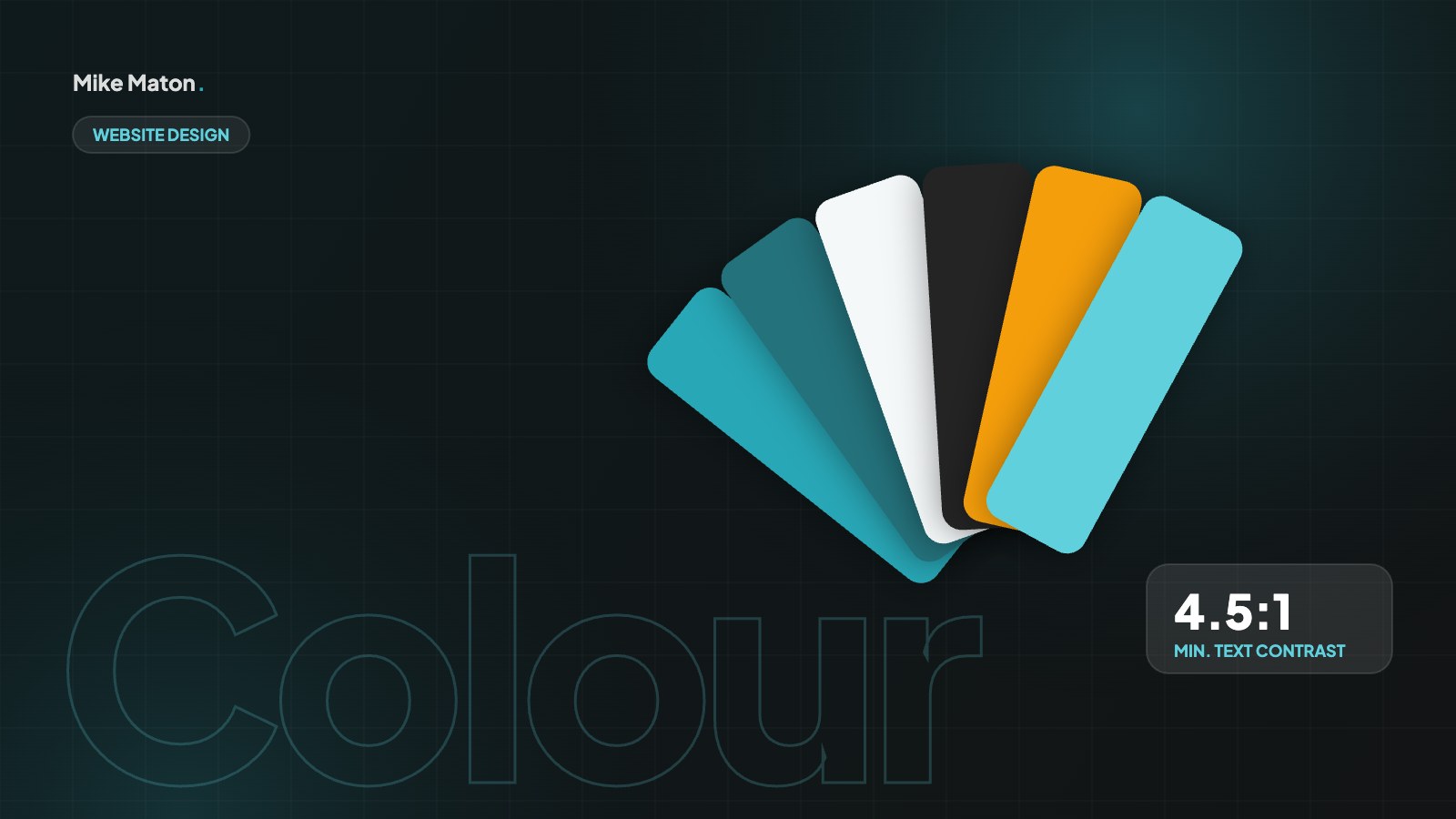
A typical minimalist design palette has four parts: a background, a text colour, one or two neutral greys for borders and secondary text, and a single accent. The accent is reserved for things you want people to notice or click, such as buttons, links and key numbers. If you also use it for decoration, it stops working as a signal and the page loses its focus.
Contrast still matters. Light grey text on a white background can look elegant in a mock-up, but it is hard to read on a phone in sunlight and it fails accessibility guidelines. The WCAG contrast guidelines ask for a ratio of at least 4.5 to 1 for normal text, so I check every text colour before a page goes live.
04Build a clear hierarchy
- One main headline per page.
- A short line that explains the value.
- One primary action, with secondary actions styled more quietly.
- Sections that each answer a single question.
Hierarchy is how visitors know what to read first, second and third. In minimalist design you cannot rely on boxes, borders and bright colours to separate things, so size, weight and position do the work. A large headline, a medium subheading and a regular paragraph create three clear levels, and that is often all a section needs.
Typography carries most of the hierarchy. I usually choose one typeface for headings and one for body text, or a single family with a few weights. Limiting each section to two or three font sizes stops it from becoming noisy. A consistent heading structure, one H1 followed by H2s and H3s in order, also helps search engines and screen readers understand the page.
05Add one memorable detail
Minimalist design can feel cold. One strong detail fixes that: a bold typeface, a beautiful photo, a subtle animation or an unexpected shape. It gives the site personality without adding clutter.
The memorable detail should come from the brand, not from a trend. It might be a shape taken from the logo, a distinctive photo style, a hand-drawn illustration or a subtle hover effect on cards. Because the rest of the page is quiet, that one detail gets all the attention, so it is worth taking the time to get it right.
Use the detail consistently but sparingly. If the same flourish appears in every section, it turns into wallpaper and loses its effect. I like to place it where it supports the main message, for example in the hero or next to the main call to action, and let the rest of the minimalist design do its job around it.
A good test is to cover the detail with your hand and look at the page again. If it suddenly feels generic, the detail is doing its job. If nothing changes, choose something with more character, or simply let the clean layout speak for itself.
06Minimalist design is fast design
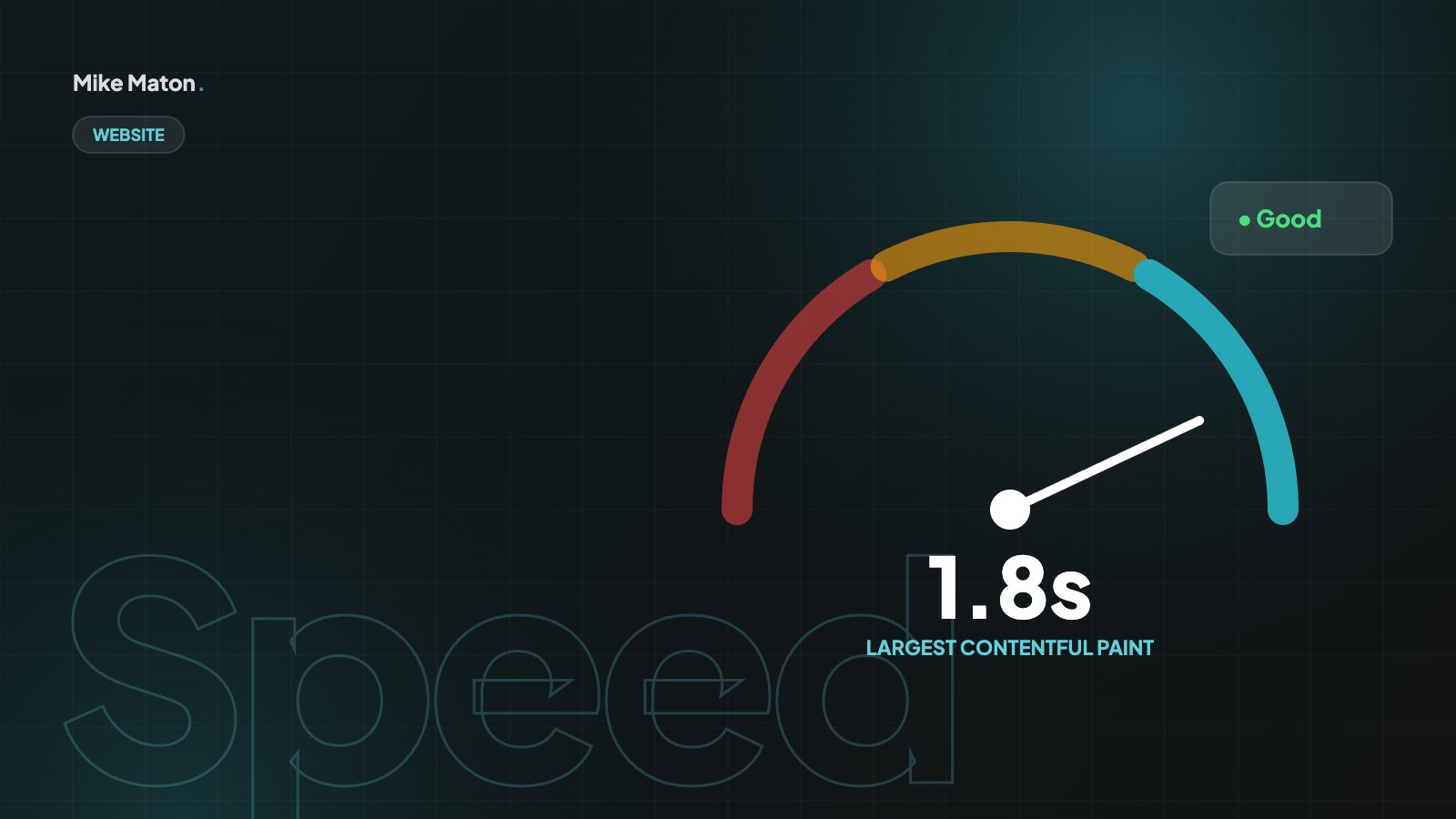
One of the best side effects of minimalist design is speed. Fewer images, fewer scripts and fewer fonts mean less to download, and that shows up directly in Core Web Vitals, the measurements Google uses to judge how quickly a page loads and how stable it feels. A page with one strong hero image, a single font family and no carousel will usually load faster than a busy page on the same hosting.
Speed is part of the experience, not a separate technical task. When a page appears quickly and does not jump around while it loads, it feels calm and trustworthy, which is exactly what a minimal look promises. These are the habits I use on every build:
- Use one or two font families, and load only the weights you need.
- Replace sliders and carousels with one well-chosen image.
- Use SVG icons instead of icon fonts or large image files.
- Remove scripts and plugins that do not support the goal of the page.
07Common minimalist design mistakes
Minimalism is easy to get wrong. The most common mistake is removing things people actually need, such as clear navigation, prices or contact details, just to make a page look cleaner. A beautiful page that hides important information is not minimal, it is frustrating.
- Hiding the menu behind an icon on desktop, where there is plenty of room to show it.
- Using pale grey text because it looks elegant, even though it is hard to read.
- Styling buttons like plain text, so people do not know what to click.
- Removing every image, which makes a page feel empty rather than focused.
- Cutting copy so far that the page no longer answers the questions visitors have.
Each of these trades usability for looks. Good minimalist design keeps everything that helps the visitor and removes only what gets in the way. When in doubt, test the page with a few real people and watch where they hesitate.
08How to bring minimalist design to an existing site
You do not need a full redesign to benefit from minimalist design. Start with your most important page, usually the home page or a key service page, and work through it in small, safe steps. Each step improves the page on its own, so you can stop at any point and still be better off.
- List every element on the page and label it essential, helpful or noise.
- Remove the noise, or move it to a page where it is more useful.
- Set a spacing scale and apply it to every section.
- Reduce the palette to a background, a text colour and one accent.
- Check the heading structure and the contrast of every text colour.
- Add back one memorable detail that comes from your brand.
Then measure the result. Compare enquiries, time on page and bounce rate for a few weeks before and after the change. Minimalist design is not only about looks, so judge it by whether more visitors do what the page is there for.
09Minimalist design for mobile screens
Minimalist design and mobile design support each other. A phone screen forces you to choose what matters, because there is only room for one idea at a time. If a page already works as a calm, focused stack of sections on a phone, it will usually feel clean and confident on a desktop as well.
On mobile, white space and hierarchy matter even more. Large, tappable buttons, short paragraphs and one clear action per screen help people move through the page with their thumb. I avoid hover-only effects, tiny text links and dense tables, and I keep the main call to action within easy reach rather than hiding it at the very bottom of a long page.
Navigation is where many mobile sites lose their simplicity. A menu with twelve items and three levels of submenus is hard to use on any device. Group the pages people actually look for, keep the labels short and familiar, and put contact details one tap away. A shorter menu is one of the quickest wins in minimalist design.
- Design the mobile layout first, then add columns for larger screens.
- Keep one main action visible on every screen.
- Use body text of at least 16 pixels so nobody needs to zoom.
- Test the page with one hand on a real phone, not only in a browser window.
10Writing copy for minimalist design
Minimalist design is not only visual. The words on the page need the same discipline as the layout. Short, specific sentences do more work than long paragraphs full of general claims, and a clear headline often replaces three decorative elements.
I start every page with three questions: what is this, who is it for and what should the visitor do next? If the headline and the first short paragraph answer those questions, the rest of the page can add detail without repeating itself. Bullet points help people scan, but they should still be full, useful sentences rather than single buzzwords.
Cut words the same way you cut visual noise. Phrases like “we are passionate about”, “world-class” and “cutting-edge” rarely tell a visitor anything new. Replace them with facts: what you deliver, how long it takes, what it costs or what a client achieved. Clear, honest copy is the foundation that makes minimalist design feel trustworthy rather than empty.
- One headline that says what you do, in plain words.
- One short paragraph that explains who it is for.
- Scannable sections with headings that answer real questions.
- One call to action, repeated at the end of the page.
11Minimalist design questions
Is minimalist design right for every business?
Most businesses benefit from clearer pages, but minimal does not have to mean sparse. A shop with hundreds of products still needs filters, categories and product detail. The principle stays the same: show what helps the visitor and remove the rest.
Does minimalist design hurt SEO because there is less text?
Not when it is done well. Minimalist design removes clutter, not useful content. Long, helpful text can sit in a clean layout with clear headings, short paragraphs and plenty of space, which is easier to read and often performs better in search.
How many colours should a minimalist website use?
Two or three is a good rule: a neutral background, a dark text colour and one accent for links and buttons. You can add light tints of those colours for backgrounds and borders without breaking the calm look.
What is the difference between minimalist and flat design?
Flat design is a visual style without shadows, gradients or textures. Minimalist design is a way of deciding what belongs on the page. A minimalist site can use soft shadows and depth, and a flat site can still be cluttered.
How do I keep a minimalist site minimal over time?
Agree a few simple rules with everyone who edits the site: one goal per page, one accent colour, the same spacing scale and a short review before anything new is added. Most sites get cluttered slowly, one small addition at a time, so a regular tidy-up keeps minimalist design working for years.
How long does it take to simplify a website?
For a single key page, a focused review and redesign often takes a few days, including the content inventory, the new layout and testing. A full site takes longer, mainly because the content needs to be reviewed and rewritten page by page. Starting with the pages that get the most visitors gives you the biggest improvement for the least effort.
Can I apply minimalist design without changing my brand?
Yes. Minimalist design works with your existing logo, colours and fonts. It changes how much of each you use and where, so the brand becomes clearer rather than different.
Checklist
Simplicity check
- 1One clear message per page
- 2One main call to action
- 3Two or three colours at most
- 4Plenty of space around key content
- 5Nothing that does not help the visitor
Keep reading
More from the blog.
Your website
Want a site that gets this right?
Tell me what you are building. I will come back with ideas, a plan and a clear price.